
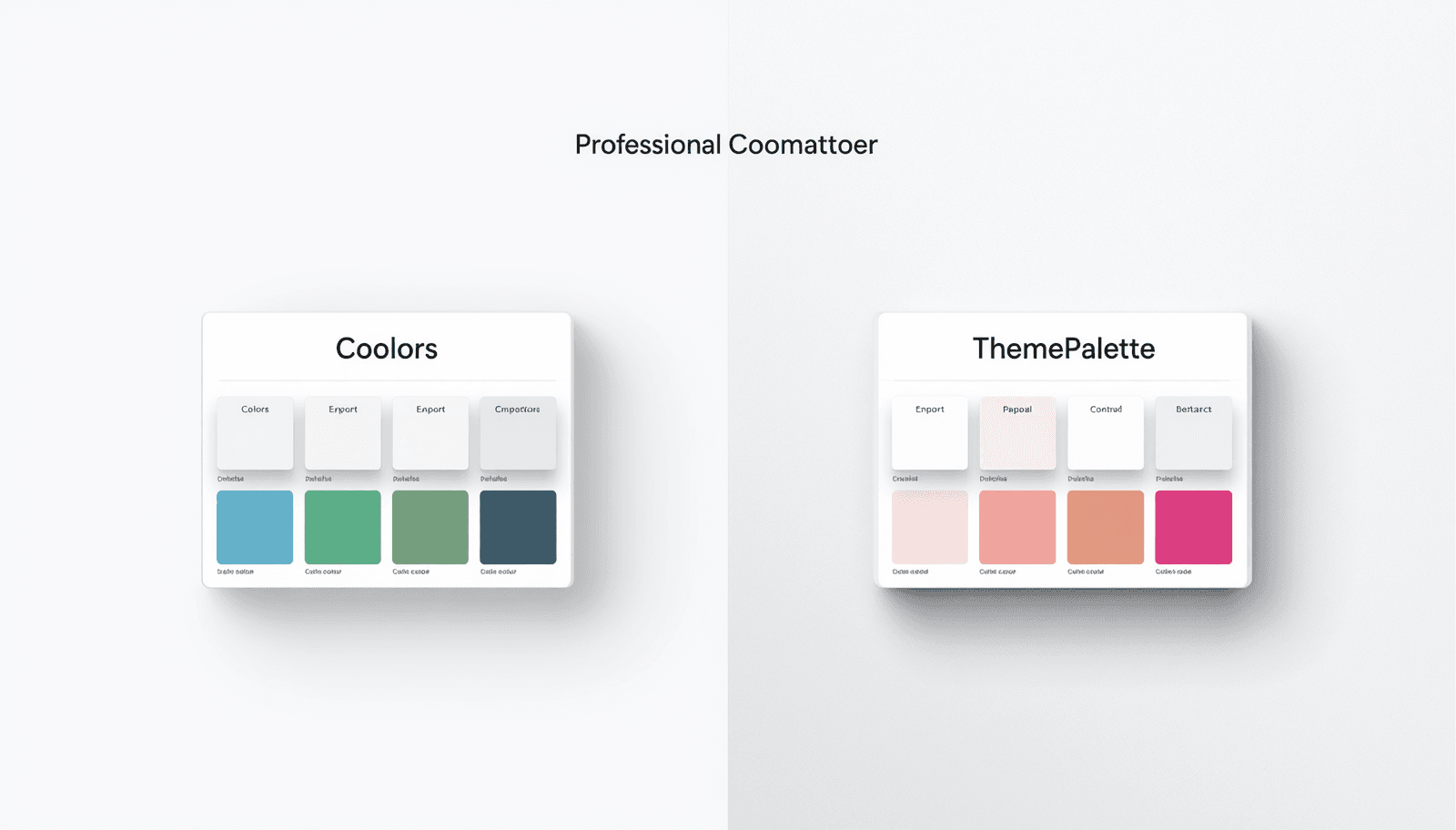
Coolors is one of the most widely used color palette tools on the internet. Since its launch in 2015 by Fabrizio Ciulla, it has accumulated over 5 million registered users and become a default reference point for designers looking to generate color palettes quickly. For many designers, it was the first palette generator they ever used.
ThemePalette is a newer entrant to the same space, built with a different set of priorities: no account requirement, full CSS export without a paywall, and a built-in contrast checker that operates during palette generation rather than as a separate tool. The two products overlap significantly in core function but diverge in meaningful ways depending on how a designer actually works.
This comparison examines both tools across the dimensions that matter most in daily design practice — feature availability, export options, accessibility tooling, pricing, and workflow integration — based on direct use of both products. The goal is to give designers enough information to choose correctly for their specific context rather than defaulting to whichever tool they encountered first.
Coolors: What It Does Well
Coolors built its reputation on a genuinely good core interaction: press the spacebar, generate a palette. The spacebar shortcut remains one of the most satisfying micro-interactions in any design tool — fast, tactile, and immediately productive. Generating fifty palette variations in under two minutes is realistic.
The platform has expanded significantly since its early versions. Current Colours features include:
Palette generation: The core generator supports locking individual colors and regenerating the rest, adjusting individual colors via HSB/HSL/RGB/hex inputs, and applying harmony modes including complementary, analogous, triadic, and monochromatic.
Image color extraction: Upload a photo and Coolors extracts a palette from the dominant colors. This feature is genuinely useful for brand projects that need to derive a digital palette from photography or physical material.
Contrast checker: Available in the free tier, though limited in scope — it checks two colors against each other but does not evaluate the full palette systematically.
Gradient generator: Generates CSS gradients from two palette colors. Available in the free tier.
Palette library: Coolors maintains a publicly searchable library of user-submitted palettes, which is large enough to be useful as a starting point for projects with a defined mood.
Integrations: Coolors offers a Figma plugin, an Adobe plugin, and a Chrome extension. These integrations are useful for designers who want palette access without switching browser tabs.
PDF and PNG export: Available in the free tier.
CSS export: Available in the Pro tier only (currently priced at approximately $6/month billed annually as of 2025).
ThemePalette: What It Does Differently
ThemePalette approaches palette generation with a different set of constraints — specifically, the constraints that most frequently create friction in actual project work.
No account required. This is the most immediately noticeable difference. Coolors requires account creation to save palettes. ThemePalette requires nothing — open the site, generate, export.
Full CSS export, free. ThemePalette exports palettes as CSS custom properties in the free tier with no account. The export produces a structured :root block with named variables — ready to paste into any stylesheet or design system without modification.
Built-in contrast checking during generation. ThemePalette displays WCAG contrast ratios for palette color combinations as part of the generation workflow, not as a separate tool that requires a separate step.
Palette preview on real UI components. ThemePalette's palette preview tool shows how a generated palette looks applied across navigation, cards, buttons, and forms — giving designers a realistic sense of how colors behave at scale before committing.
Curated theme collections. Beyond generation, ThemePalette maintains a library of curated palettes at ThemePalette.com/theme organized by mood, style, and use case — useful for designers who want a starting point rather than generating from scratch.
Feature-by-Feature Comparison
Feature | Coolors (Free) | Coolors (Pro ~$6/mo) | ThemePalette (Free) |
Palette generation | Yes | Yes | Yes |
No account required | No | No | Yes |
Color locking | Yes | Yes | Yes |
Harmony modes | Yes | Yes | Yes |
Image color extraction | Yes | Yes | Yes |
CSS custom property export | No | Yes | Yes |
PNG export | Yes | Yes | Yes |
JSON export | No | Yes | Yes |
Built-in contrast checker | Basic | Full | Yes |
WCAG ratio display during generation | No | No | Yes |
Palette preview on UI components | No | No | Yes |
Figma plugin | Yes | Yes | No |
Adobe plugin | Yes | Yes | No |
Palette sharing / public library | Yes | Yes | Yes |
Saved palettes (account) | No | Yes | No account needed |
Pricing: What You Actually Get for Free
This is where the comparison becomes most practically significant for independent designers and small teams.
Coolors' free tier is genuinely useful for palette generation and basic export, but it gates two features that matter in production workflows: CSS export and full contrast checking. A designer using Coolors free must either manually convert palette colors to CSS syntax or upgrade to Pro. At $6/month billed annually, Coolors Pro is not expensive, but it represents a recurring cost for functionality that ThemePalette provides for free.
Coolors Pro also adds palette saving, collaboration features, and the full contrast checker. For design teams working collaboratively on a shared palette library, Coolors Pro has a clear value case. For individual designers working on independent projects, the question is whether the collaboration and saving features justify the subscription cost compared to a free alternative.
ThemePalette has no paid tier. Every export option — including CSS, JSON, and PNG — is available without payment or account creation. The trade-off is the absence of account-based features like saved palettes and team collaboration.
Workflow Fit: Which Tool for Which Designer
Choose Coolors if:
You work within a team that values shared palette libraries and collaborative color management. Coolors Pro's team features — shared collections, commenting, project organization — are built for this use case and have no equivalent in ThemePalette.
You use Figma or Adobe tools as your primary design environment and want a plugin that brings palette generation directly into your existing tool without switching contexts. Coolors' Figma plugin is well-maintained and reduces tool-switching friction meaningfully.
Choose ThemePalette if:
You need CSS-ready palette output without a subscription. The CSS custom property export is the single most commonly needed production output format for web projects, and ThemePalette provides it at no cost.
You want accessibility integrated into your palette selection process rather than as a post-hoc check. Designing with WCAG contrast ratios visible during generation means fewer revisions after handoff.
You want to see how a palette performs across real UI patterns before committing. The palette preview tool at ThemePalette provides this without any additional setup.
The Coolors Alternative Question
"Best colour alternative" is a search query that consistently surfaces because designers who have used Coolors encounter specific friction points — most commonly the CSS export paywall and the account requirement — and look for tools that handle those specific gaps differently.
ThemePalette addresses both of these friction points directly. It is not a comprehensive replacement for Coolors Pro's full feature set — it lacks saved palettes, team collaboration, and design tool plugins — but for the specific use cases where Coolors free falls short, it covers the gap without adding cost.
Other tools in the same space include Adobe Color (free, requires Adobe account, strong harmony tools, no contrast checker), Paletton (free, no account required, strong analogous palette generation, no CSS export), and Muzli Colors (free, image-based palette extraction).
Trending Color Palettes 2026 for context on how palette choices fit into current design practice.
Accessibility: A Practical Difference
This point deserves specific attention because it represents the most consequential functional difference between the two tools for designers working on products that need to meet accessibility standards.
WCAG 2.1 Success Criterion 1.4.3 requires a minimum contrast ratio of 4.5:1 for normal text against its background. Success Criterion 1.4.11 requires a minimum of 3:1 for user interface components and graphical objects. These are not optional guidelines .
Coolors' free tier contrast checker evaluates two colors against each other in isolation. It does not evaluate a full palette systematically, and it operates as a separate view rather than during the generation process.
ThemePalette displays contrast ratios during palette generation, which means a designer can reject low-contrast combinations at the selection stage rather than discovering accessibility failures during QA or — in the worst case — after deployment.
For a detailed guide on building accessible color palettes, the W3C's Understanding WCAG 2.1 documentation provides the full technical specification for each contrast-related success criterion.
Conclusion
Coolors and ThemePalette are both legitimate tools that solve the same core problem — generating harmonious color palettes quickly — with different trade-offs. Coolors has a larger feature set, stronger team and collaboration tooling, and deeper integration with Figma and Adobe. ThemePalette offers the production-critical features most individual designers need (CSS export, contrast checking, no account) at no cost.
The right choice depends on workflow context. Designers working in teams with shared palette libraries and design tool plugins should evaluate Coolors Pro.
Both tools are available to try at no cost. Generate a palette on ThemePalette, compare the workflow against Coolors free, and make the decision based on which friction points matter most in your actual work.